Loge

The IPTV player for the subscription you already have Connect your M3U playlist or Xtream Codes portal and watch on your television, phone, tablet or Mac. 14 days free. No account, no adverts.

  • Android TV
  • Fire TV
  • Samsung
  • LG
  • Android
  • iPhone & iPad
  • Mac
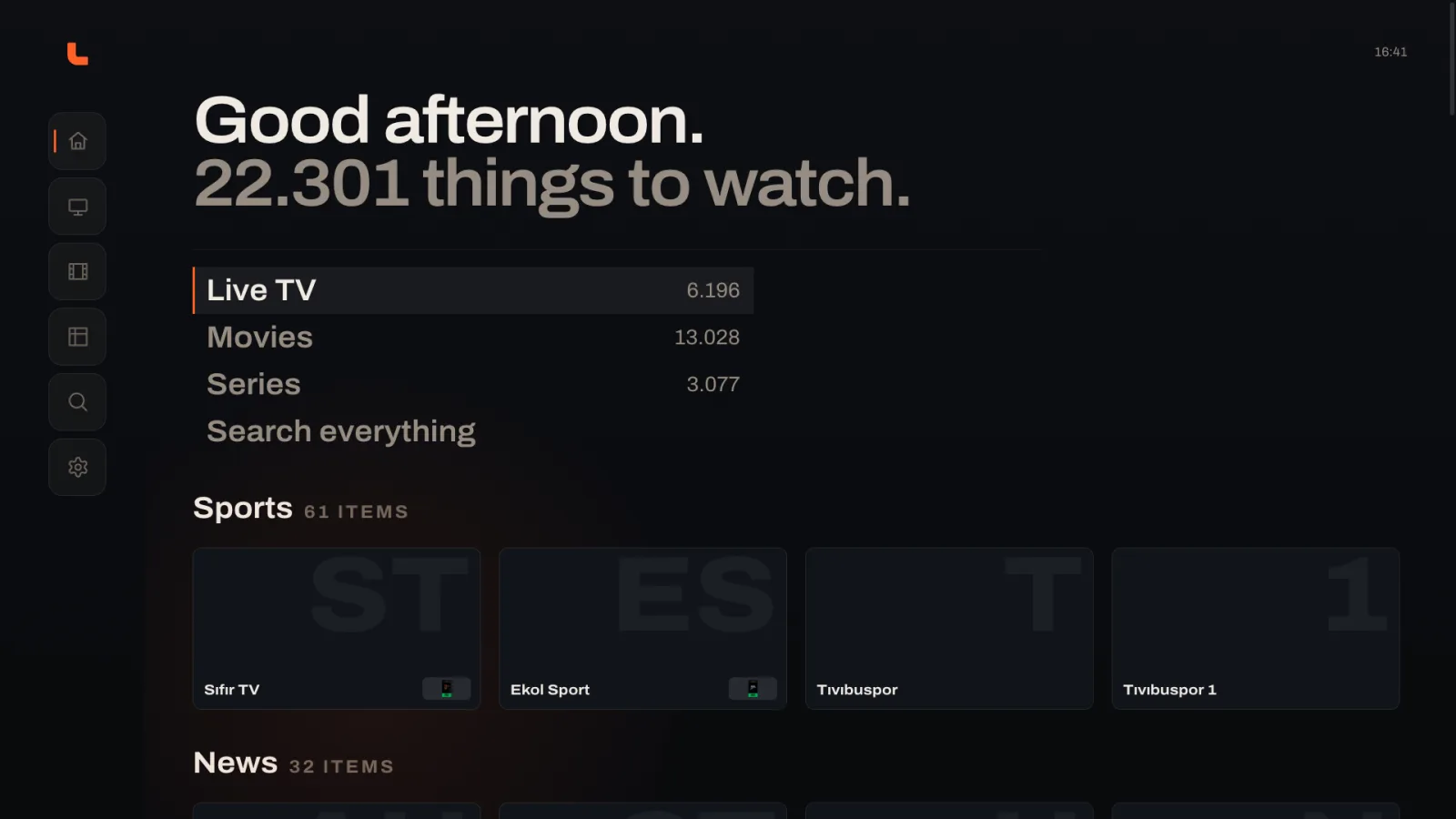
The Loge home screen on a television: the greeting reads Good afternoon, 22,301 things to watch, above shortcuts for Live TV, Movies, Series and Search.
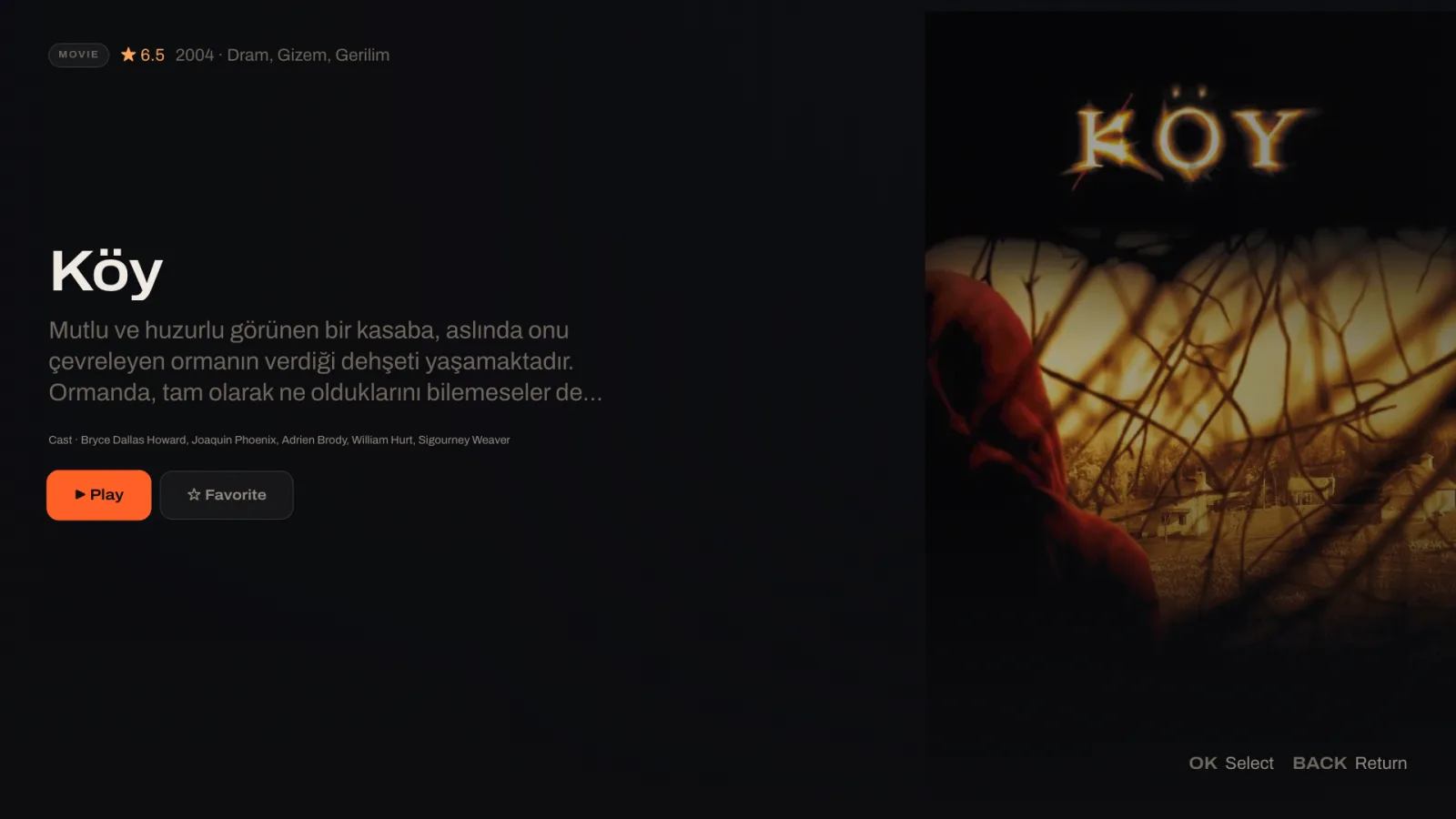
A film page in Loge on a Mac: title, description, rating and a Play button beside the film's poster.
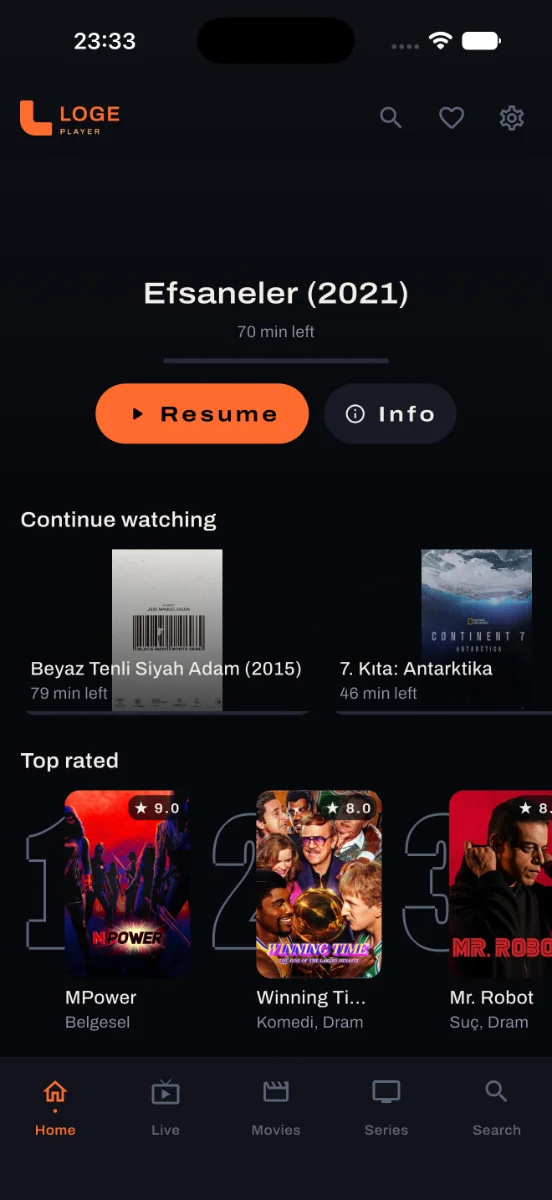
Loge's home screen on a phone with a resume card and continue watching row.

No content included

Loge does not give you channels. It plays the IPTV subscription you already pay for — your playlist, your provider — and nothing else. Everything pictured on this page comes from a subscriber's own playlist.

Everything in your playlist, finally watchable

These screens are the actual app, not mock-ups.

Live TV

Channels that behave like channels

Numbers, logos and a live preview beside the list, so you see what is on before you go full-screen. If a feed dies mid-programme, Loge moves to the channel's next source without you touching the remote.
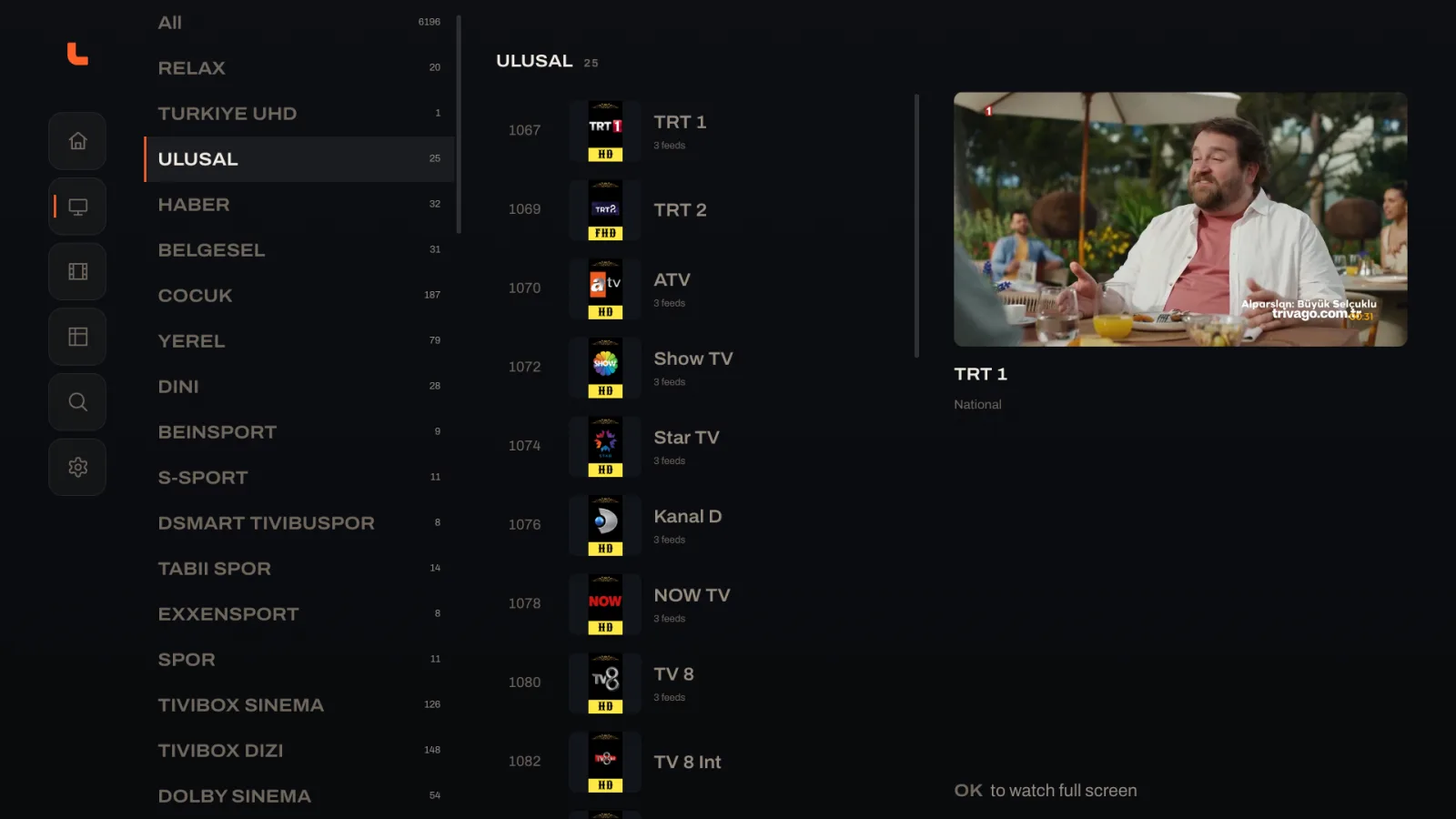
Loge's Live TV screen: channel categories, a numbered channel list with logos, and a live preview playing in the corner.

Films & series

Your playlist, laid out properly

Posters, ratings, years and genres — organised into the categories your provider sends, and searchable in one place. A list of thirteen thousand films stops being something you scroll through.
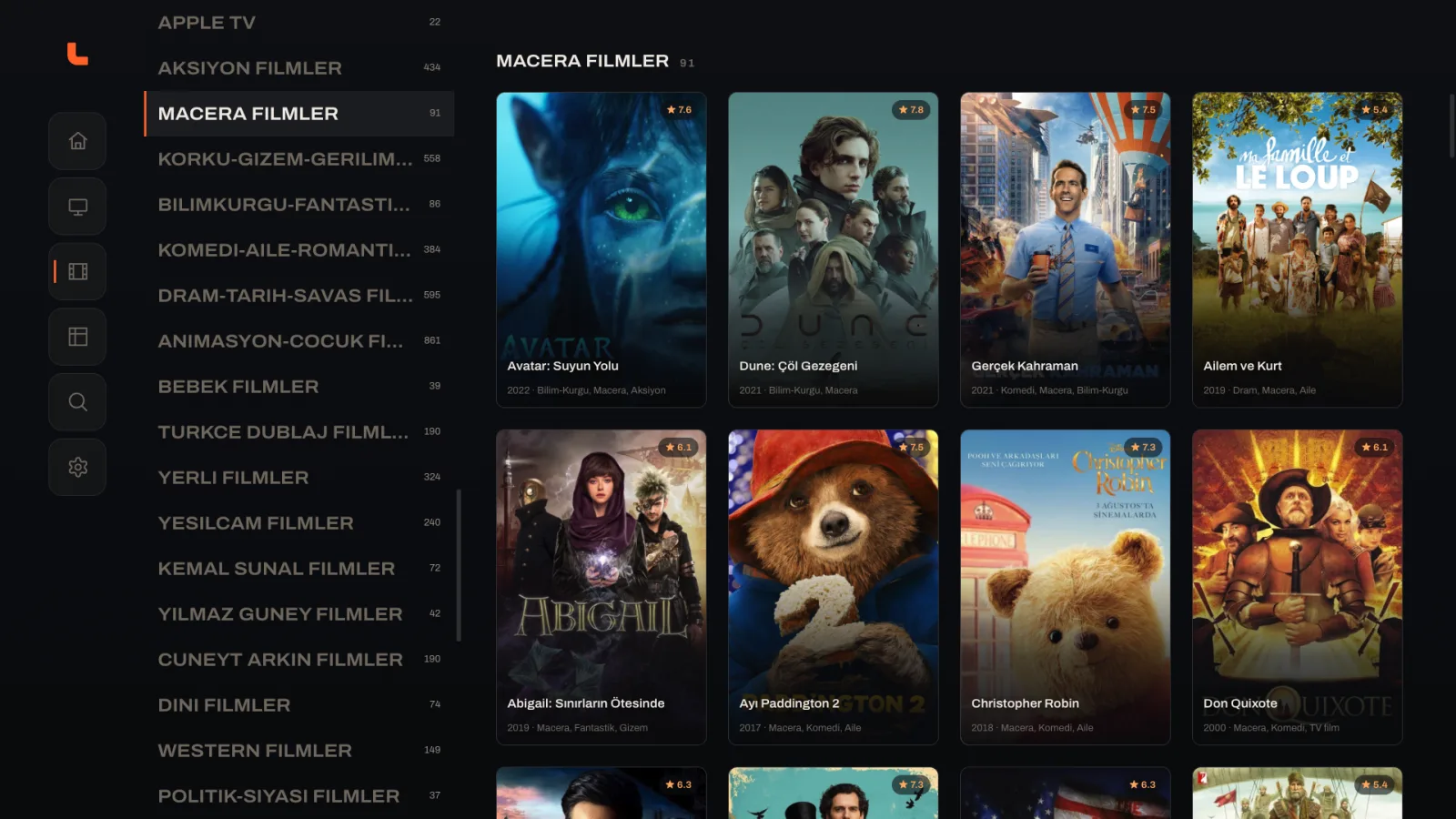
Loge's film library on TV: a grid of film posters with ratings, beside a list of genre categories.

Resume

Resume that works like Netflix

Not one bookmark for the whole app: Loge keeps a position for every film and every single episode. Whatever you were part-way through is the first thing on the home screen when you come back.
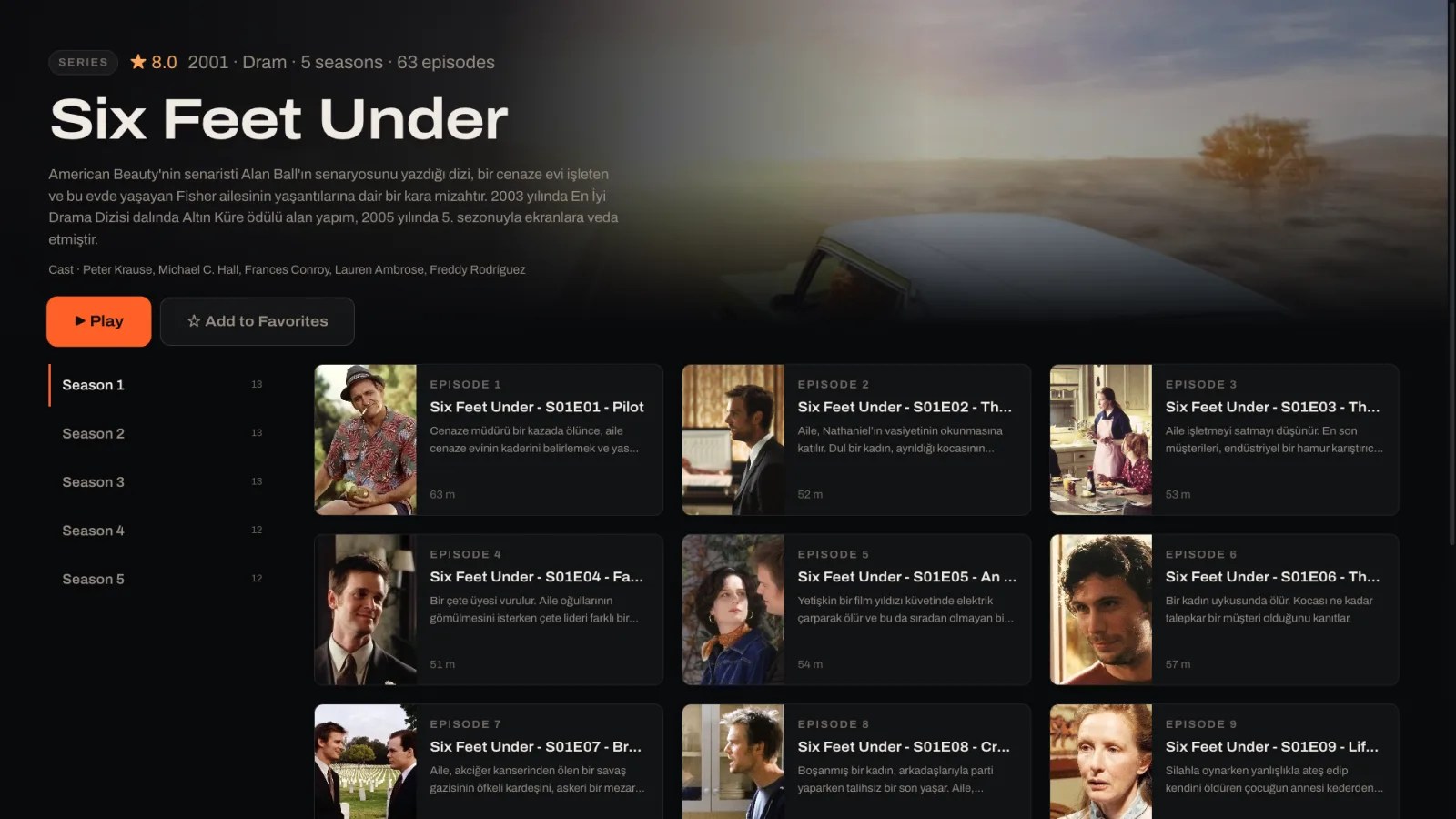
A series page in Loge showing five seasons and an episode grid, each episode with its own description and duration.

Subtitles

Subtitles you can actually fix

Choose a style and size that reads from the sofa. And when a stream's subtitles run early or late, nudge them in tenths of a second until the words land on the mouth — Loge remembers the offset for that stream.
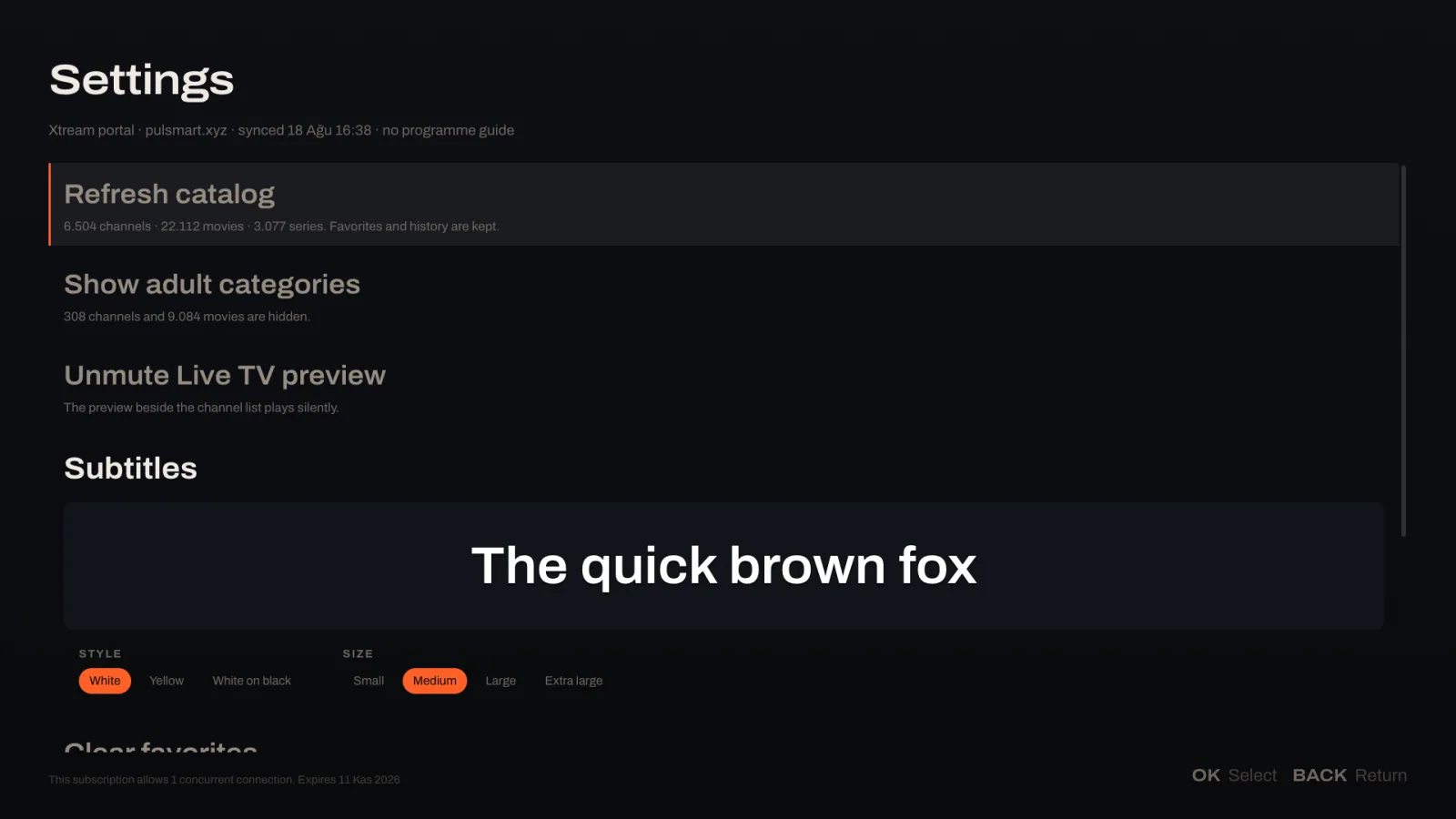
Loge's settings screen with a live subtitle preview reading The quick brown fox, and controls for subtitle style and size.

Set up once, in one screen

  1. Install Loge

    From your device's own app store, or as a direct download.

  2. Connect your provider

    Type the link or login your provider gave you — or scan the QR code and type it on your phone instead of the remote.

  3. Press play

    Loge sorts channels, films, series and episodes, and keeps them current in the background.
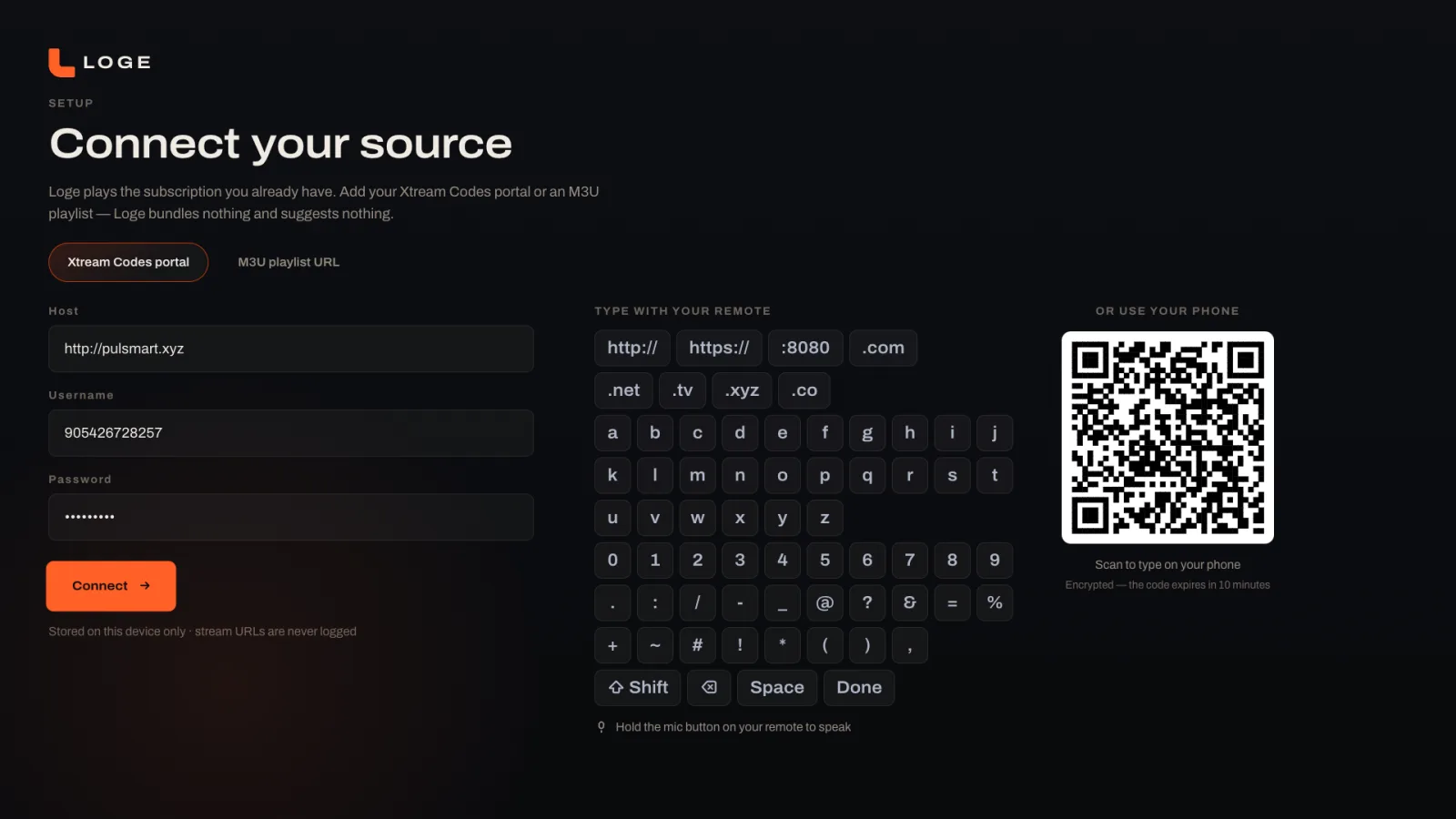
Loge's setup screen on TV: fields for an Xtream Codes portal, an on-screen keyboard, and a QR code for typing on your phone.

The same app in your pocket

Loge on iPhone, iPad and Android keeps the same layout, the same resume and the same subtitle controls — nobody in the house learns a second app.
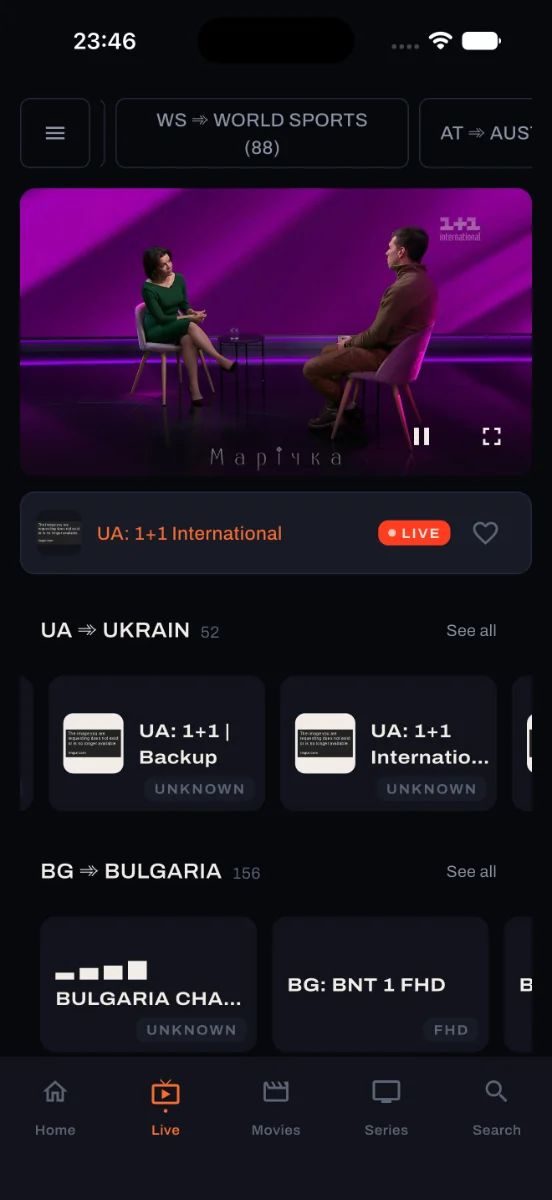
Loge's Live TV screen on a phone, with a playing preview and channel groups by country.
Loge's home screen on a phone: a resume card with 70 minutes left, continue watching, and top rated rows.
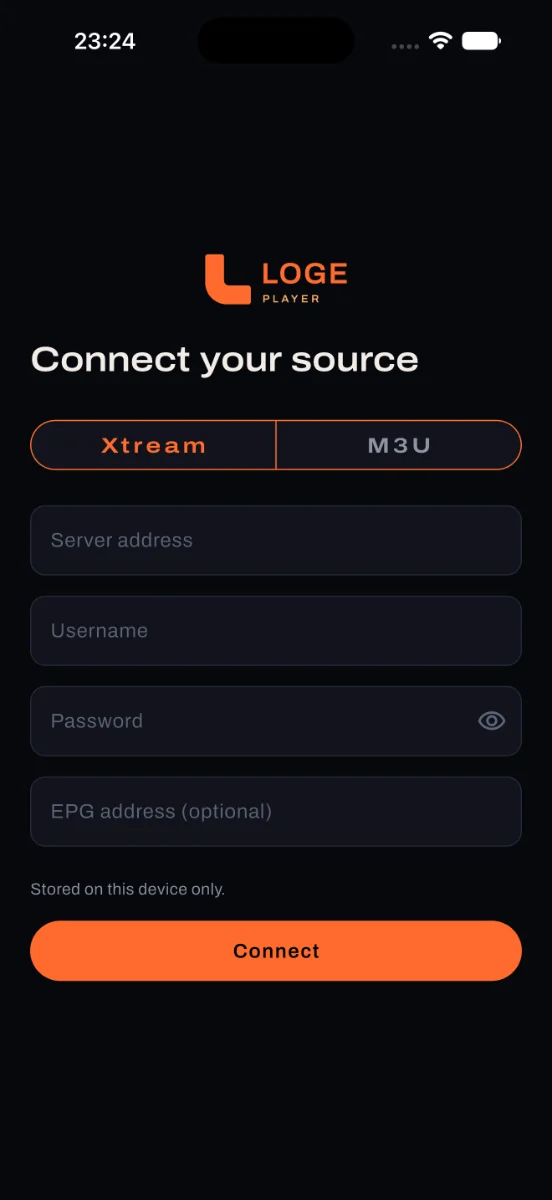
Loge's setup screen on a phone with Xtream and M3U tabs and a connect button.

Pick your screen

Every version starts with the same 14-day free trial. No account needed.

For the television

Android TV & Google TV

Chromecast, SHIELD, Mi Box, and Philips, Sony, TCL or Hisense sets running Google TV.

$7.99/year or $12.99 once
Amazon Fire TV

Fire TV Stick, Stick 4K and Cube.

$7.99/year or $12.99 once

Search "Loge" in the Appstore on the device.

Samsung & LG

Samsung Tizen and LG webOS televisions from 2018 onwards.

$7.99/year or $12.99 once

Search "Loge" in the TV's own app store.

For phone, tablet and computer

Android

Phones and tablets, Android 8.0 and newer.

$4.99/year or $9.99 once

iPhone & iPad

One universal app, iOS and iPadOS 16 and newer.

$4.99/year or $9.99 once

Mac

Apple silicon Macs, macOS 12 and newer. The iPad app, from the same App Store listing.

$4.99/year or $9.99 once

Television from before 2018, or another brand entirely? A small Google TV stick is the reliable route, and it will outlive the television.

Two weeks free, then pay once

Every feature at every price. Nothing sold to you inside the app.

Phone, tablet & computer

Android, iPhone, iPad and Mac

$4.99per year

$9.99lifetime

Starts with 14 days free — no card, no account.

Television

Android TV, Google TV, Fire TV, Samsung and LG

$7.99per year

$12.99lifetime

Pay without typing: the TV shows a code, you pay on your phone, the TV unlocks itself.

Every feature included All future updates No adverts, ever Refund within 14 days

Prices exclude local VAT. What a lifetime licence covers is set out plainly in the Terms of Use.

Before you buy

Does Loge include channels or films?
No. Loge is a player and nothing else. It contains no channels, no films and no series, and it will never suggest a place to find them. You connect the IPTV subscription you already pay for, and Loge plays it.
What do I need to get started?
Whatever your IPTV provider gave you. That is usually either a playlist link ending in .m3u or .m3u8, or an address with a username and a password. Loge accepts both.
Which devices does Loge run on?
Android TV and Google TV boxes, Amazon Fire TV, Samsung televisions from 2018 onwards, LG televisions from 2018 onwards, Android phones and tablets, iPhone and iPad, and Mac. Details are under Pick your screen.
Is there a free trial?
Yes. Every install starts with a 14-day free trial of the complete app. No card, no account, nothing switched off. If you do nothing at the end of it, the app simply stops playing until you buy a licence.
How do I pay on a television without typing?
The television shows a short six-character code. You enter that code on your phone or computer, pay there, and the television unlocks by itself within a few seconds. You never type an email address or a card number with a remote.
My subtitles are out of sync. Can Loge fix that?
Yes. Loge has a subtitle offset control in the playback overlay. Nudge the subtitles earlier or later in tenths of a second until they match the picture, and Loge keeps that setting for the next time you play that stream.
Can I get a refund?
Yes. Ask within 14 days of buying and you get your money back, no questions. Purchases made through Google Play or the App Store follow those stores' own refund processes. Details are in the Terms of Use.
Is using an IPTV player legal?
Loge is a media player, the same way VLC is a media player. Whether a particular subscription is licensed to carry what it carries is between you and the provider you chose. Loge supplies no content and takes no part in that relationship.

Try it free

Put Loge on the screen you watch most, point it at your subscription, and give it fourteen days. Nothing to cancel if you do not keep it.